 AutoFill Form Helper
AutoFill Form Helper
AutoFill Form Helper
Arrival cards, visa applications, event registrations, shipping addresses… Save your usual details as a profile. Open the same page next time and every field fills itself — one click and it's done.
How it works
No setup, no templates to build. Your first normal pass through the form is the setup.
The normal way, by hand. This is the last time you type any of it.
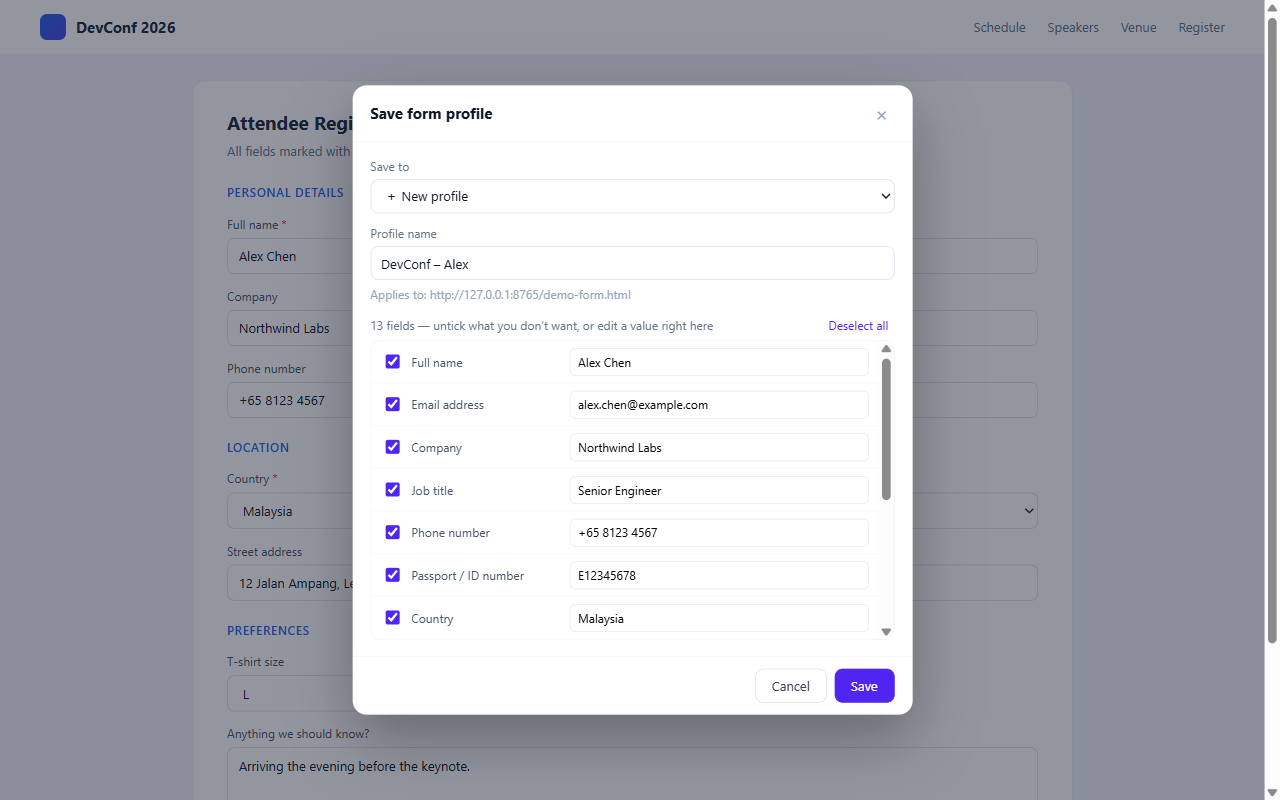
Right-click the page → Save this form as… Everything you typed is captured.
Call it “Visa – John”. Untick anything you’d rather not keep, or fix a value on the spot.
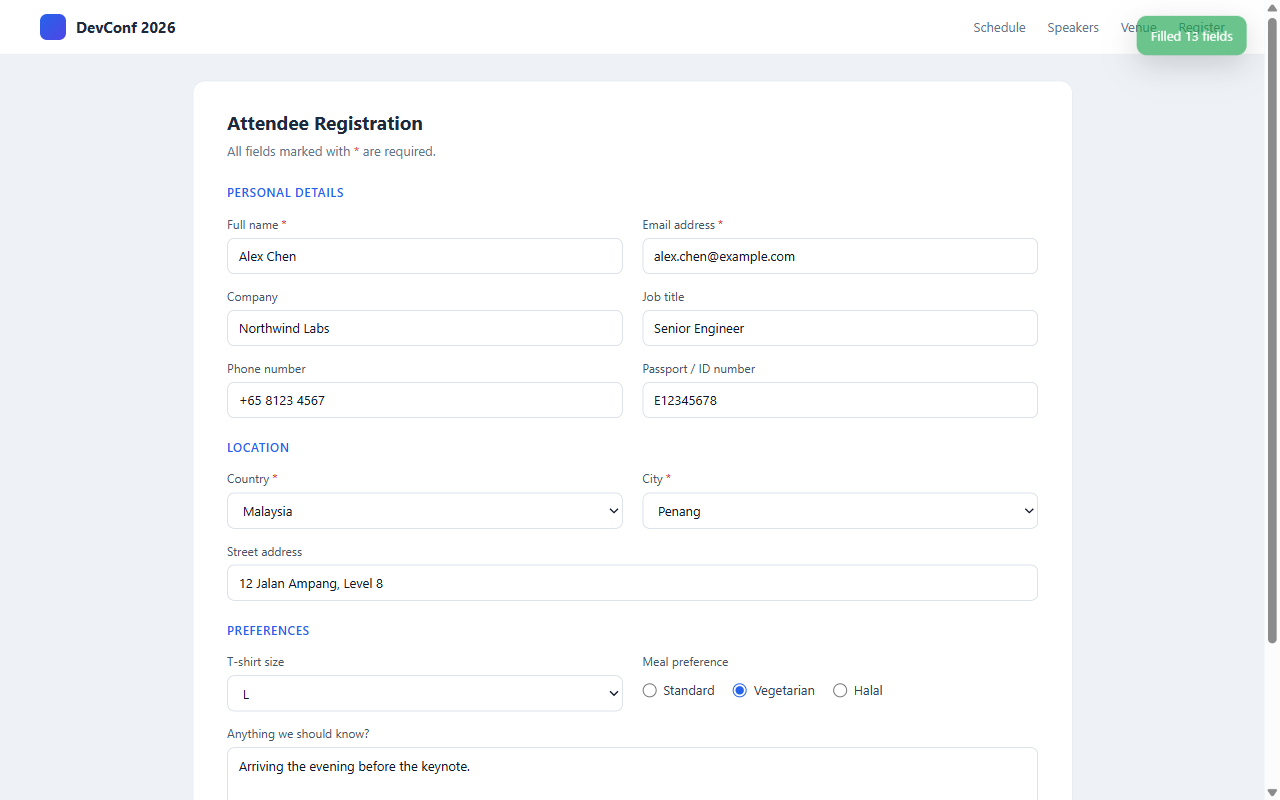
Right-click → Fill, or use the toolbar popup. Filled fields flash green so you can see what happened.
See it work
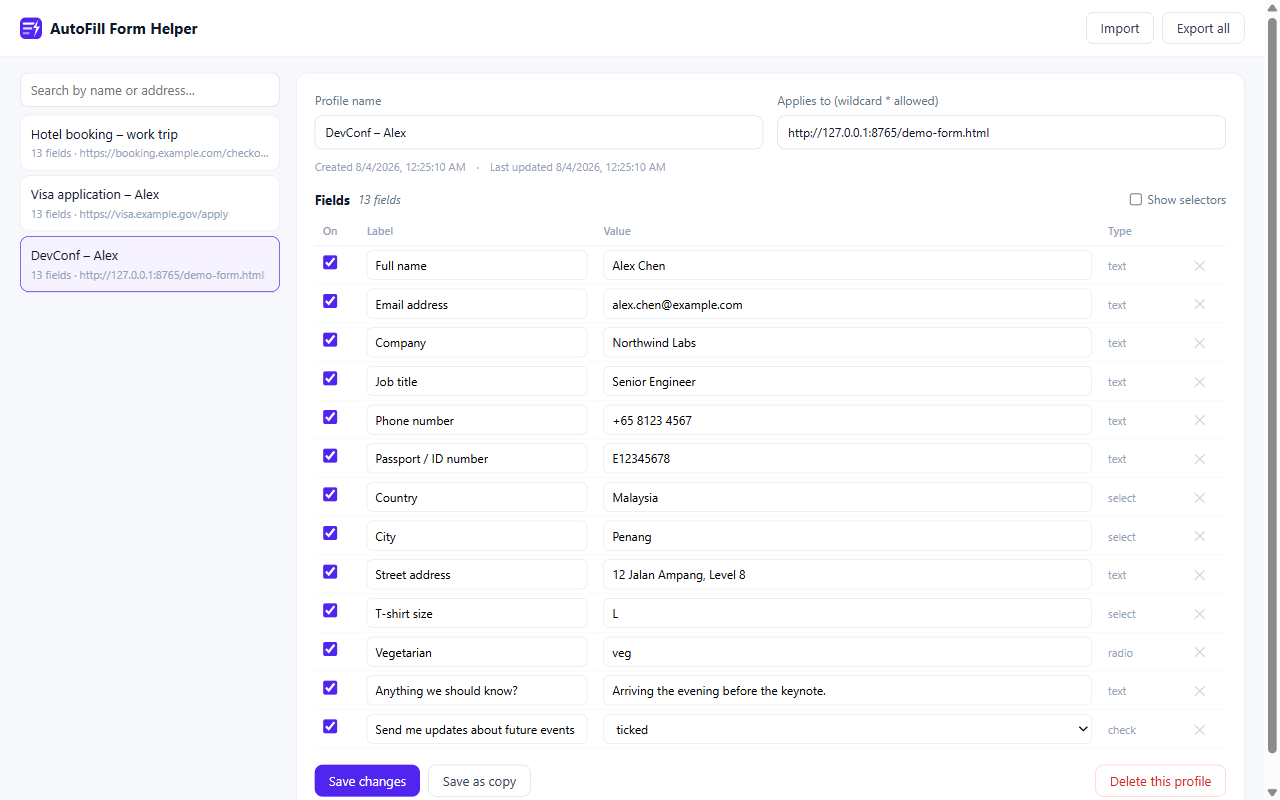
Click any screenshot to view it full size.

Why this one
A login box is easy. Government portals, booking flows and enterprise systems are not — and that’s exactly what this was engineered against.
Pick a state, the city list loads over AJAX. It waits for the real options — not the stale list still on screen — then re-verifies after the page settles.
Values are delivered like real keystrokes, so calendar widgets genuinely register the date instead of wiping it when you click away.
Written through native setters with proper events, so controlled components actually see the value.
No id, no name, or a random id on every reload — matched through layered fallbacks, down to the visible label text.
One per family member, one per company. Saving under an existing name updates it — no duplicate pile-up.
Rename, edit any value, disable single fields, widen the URL match with wildcards, export everything to JSON.
Boundaries
A form filler that oversteps costs you more time than it saves. These are hard rules, not settings.
It fills; you review and press submit. Always.
Sliders and puzzles stay yours. It won’t try, and it won’t pretend to.
Those are usually CSRF tokens — replaying them is how submissions break.
If a site only accepts dates in the next few days, an expired saved date stays rejected. You’ll see it and fix it.
Privacy
There is no server behind this extension — it cannot upload your data because there is nothing to upload to. Profiles live in Chrome’s local storage on your device, and uninstalling removes them all.
Read the full privacy policy →Support
Tell me which site and what happened — real-world form quirks are exactly what makes this extension better.
入境卡、签证申请、会议报名、收货地址……把常用信息保存成资料集。 下次打开同一页面,自动填好所有字段,一点即可完成。
怎么用
不用配置、不用建模板——你正常填的那一遍,本身就是全部的准备工作。
手动、正常地填。这是你最后一次打这些字。
页面上右键 → 保存当前表单为…,填过的内容全部捕获。
起名「签证 - 张三」。不想存的字段勾掉,值不对就当场改。
右键 → 填充,或点工具栏图标。填上的字段会闪一下绿色,发生了什么一目了然。
实际效果
点击任意截图可查看大图。
为什么是它
登录框谁都会填。政务门户、订票流程、企业系统才是难点——这个扩展就是对着它们打磨出来的。
选了省份,城市列表才异步加载。它会等真正的选项到位,而不是抓屏幕上残留的旧列表;页面安静后还会复核一遍。
按真实敲键的方式送值,日历控件真正认下这个日期,不会一点别处就被清空。
通过原生 setter 写值并派发标准事件,受控组件能确实收到。
没有 id、没有 name,或者 id 每次刷新都变——多层回退去匹配,最后还有页面上看得见的标签文字兜底。
家人一人一套,公司一家一套。用已有名字保存就是更新,不会越攒越多。
改名、改值、停用单个字段、用通配符放宽网址匹配、整体导出 JSON,全都可以。
边界
越界的填表工具,省下的时间还不够善后。以下是硬性规则,不是可选项。
它只负责填,检查和提交永远由你来。
滑块、拼图留给你。它不会试,也不会假装能行。
那些通常是 CSRF 令牌,回填它们正是提交失败的常见原因。
网站只收近几天的日期,过期的旧日期照样通不过——你会看到,改一下就好。
技术支持
告诉我是哪个网站、什么情况——真实世界的表单怪癖,正是这个扩展持续变强的原料。